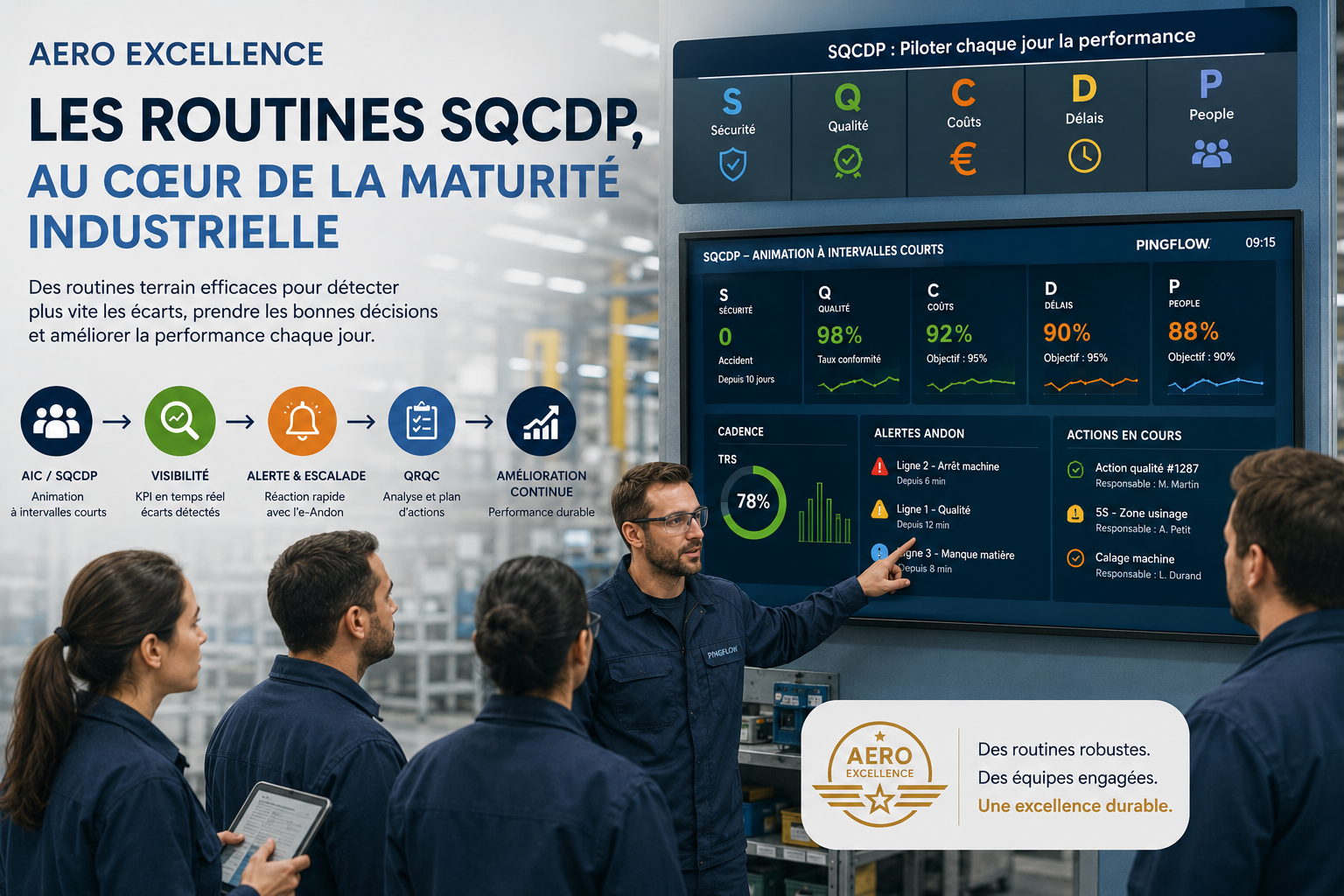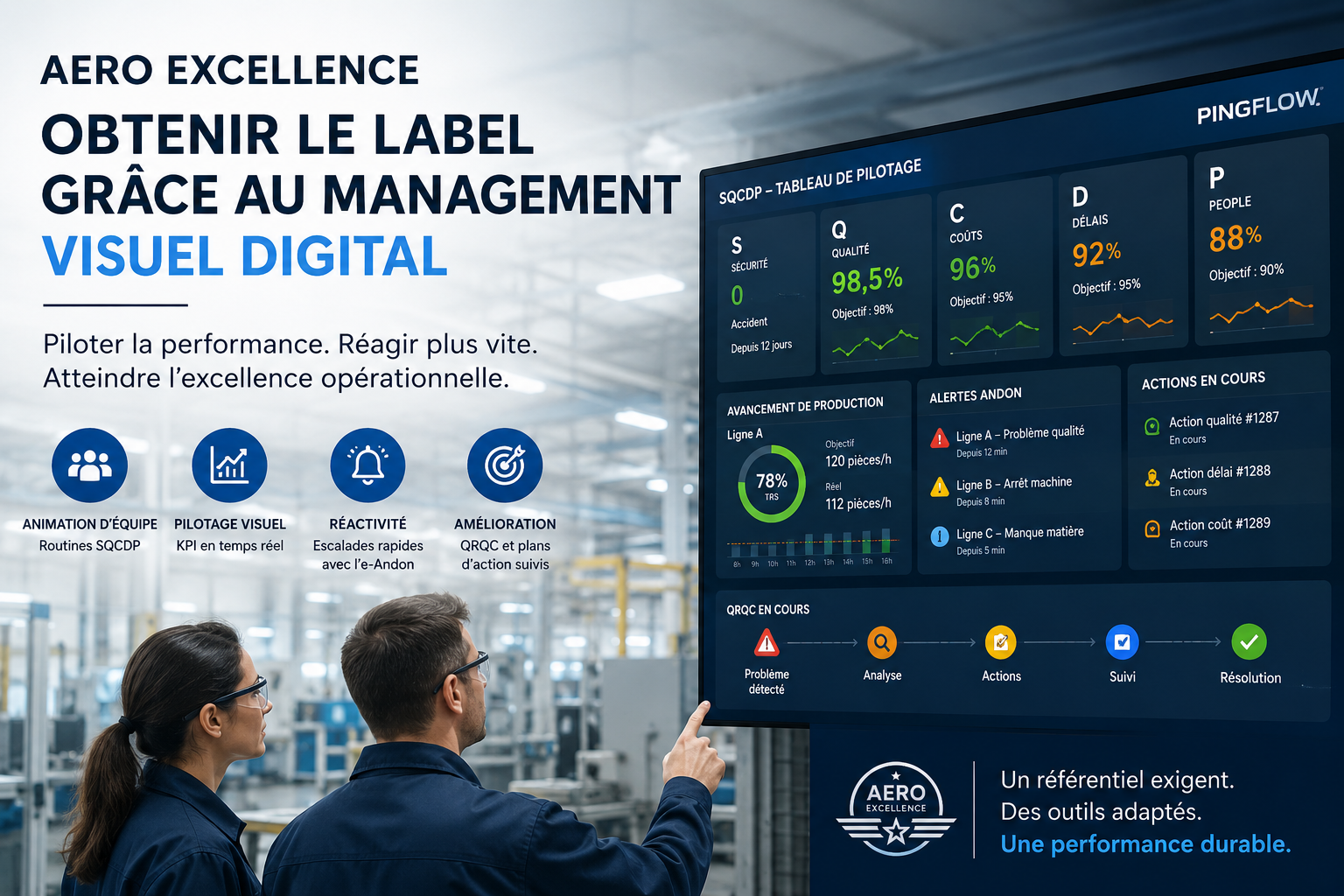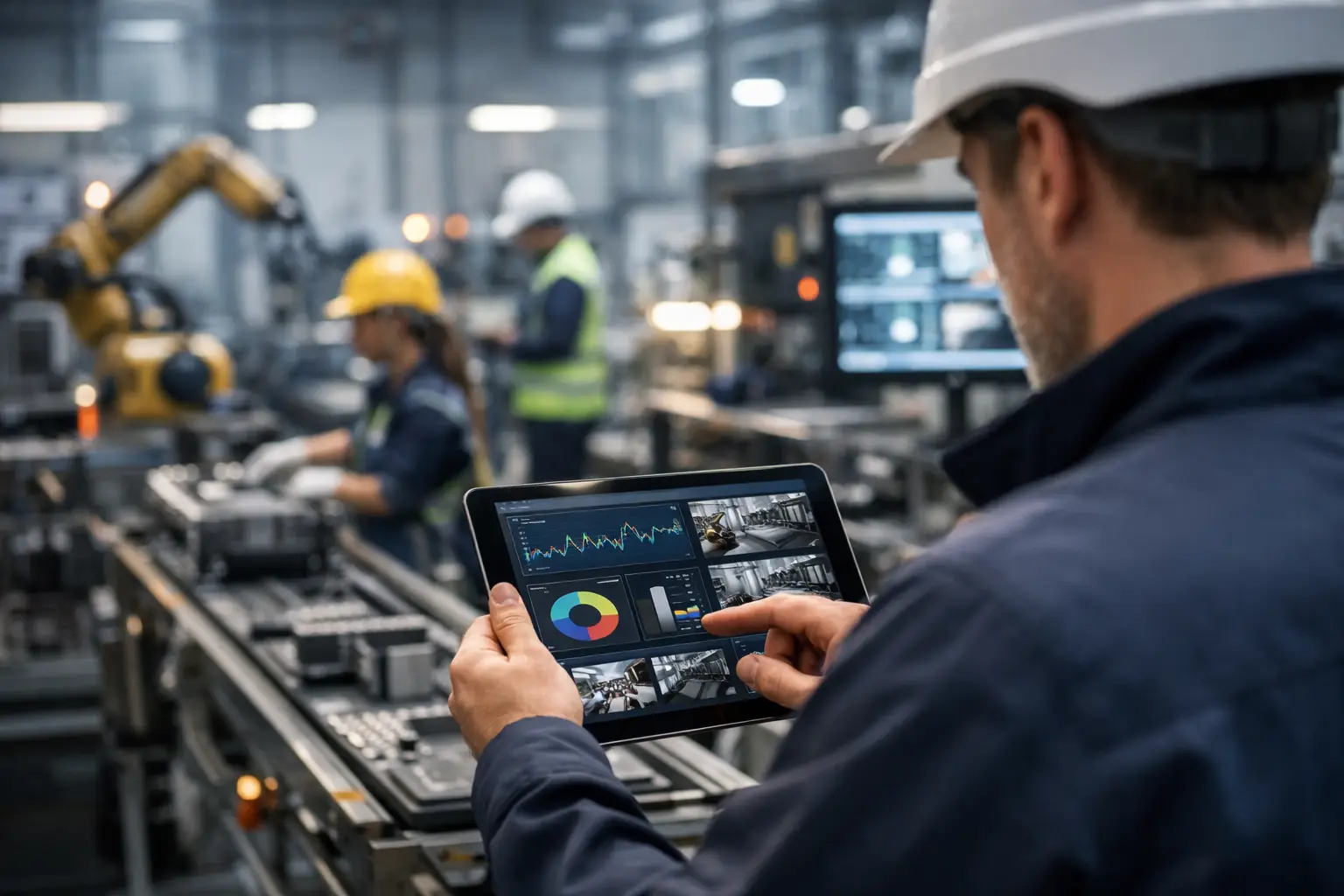

Develop faster, without knowing how to program, applications designed by and for your teams: the promise of No (or Low) Code platforms is great. How does this translate at the production level, and how can you take advantage of the potential of this new generation of tools to serve your operational excellence?
Low Code/No Code : What is it about ?
No Code and Low Code are software programming modes… with no programming (No Code), or very little (Low Code). More specifically, tools that allow you to develop a computer application without having to write its code.
No Code solutions go through an Integrated Development Environment (IDE):
- visual,
- working by drag and drop elements of IT components,
- that we will then be able to link together, with possible conditions, to design a kind of “scenario” for the operation of the application.
The name is therefore actually a bit misleading: No Code platforms like Low Code obviously contain (a lot) of code: but their users do not need to access it to develop their tools.
Low Code, No Code : what differences ?
In a No Code application, everything takes place within the limits of the components provided by the designers, the users do not access the source code, and cannot introduce additional possibilities. These solutions are therefore more dedicated to very simple or extremely targeted applications.
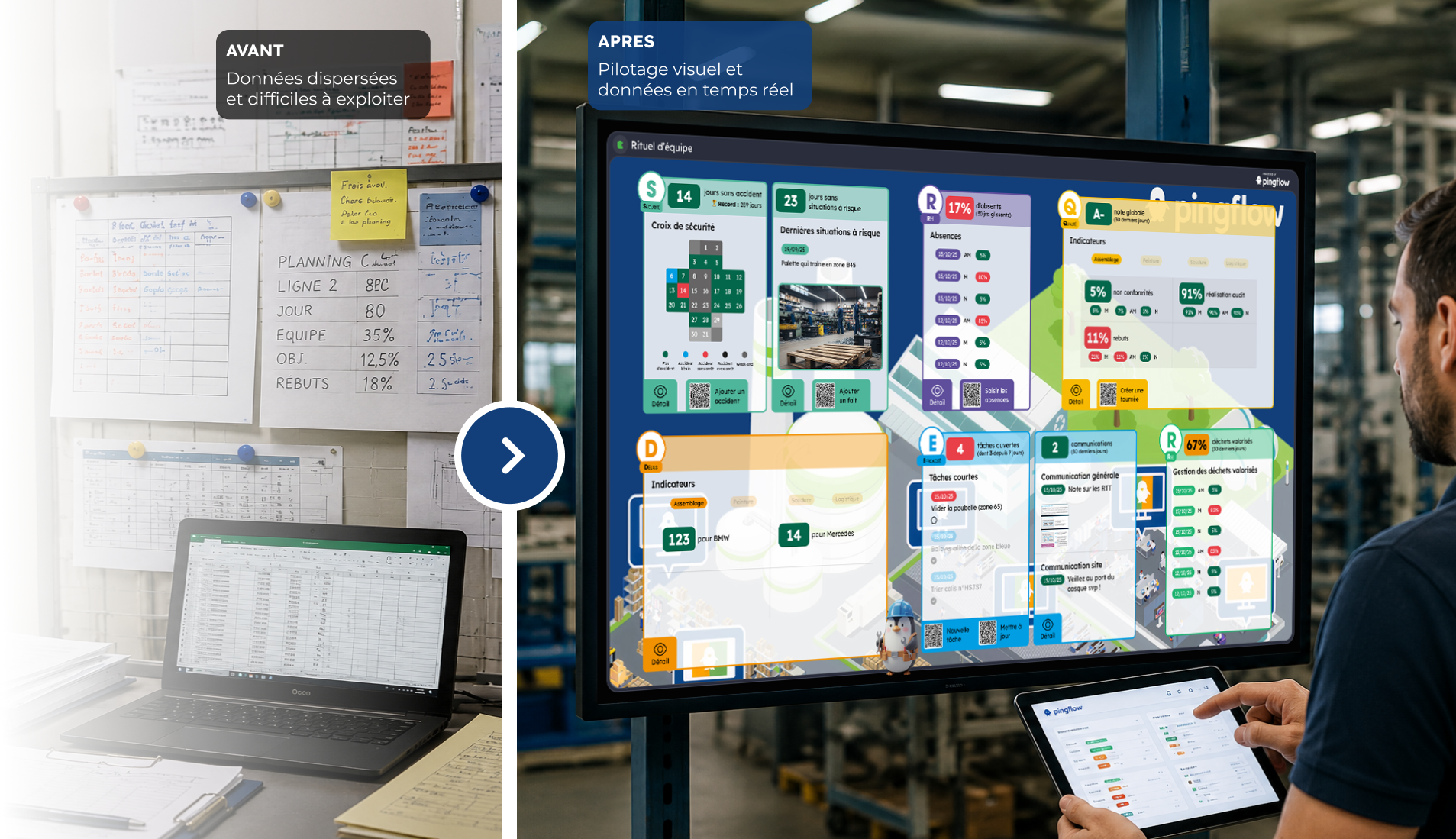
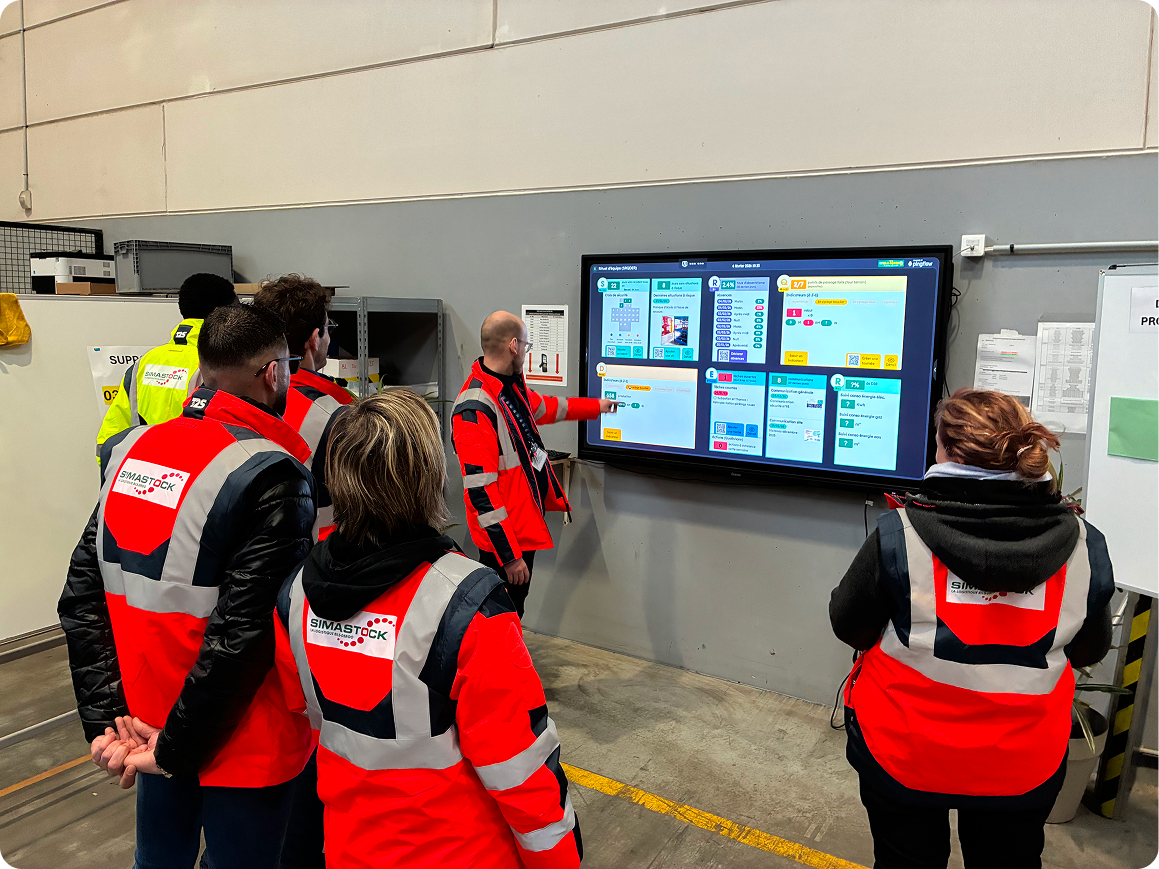
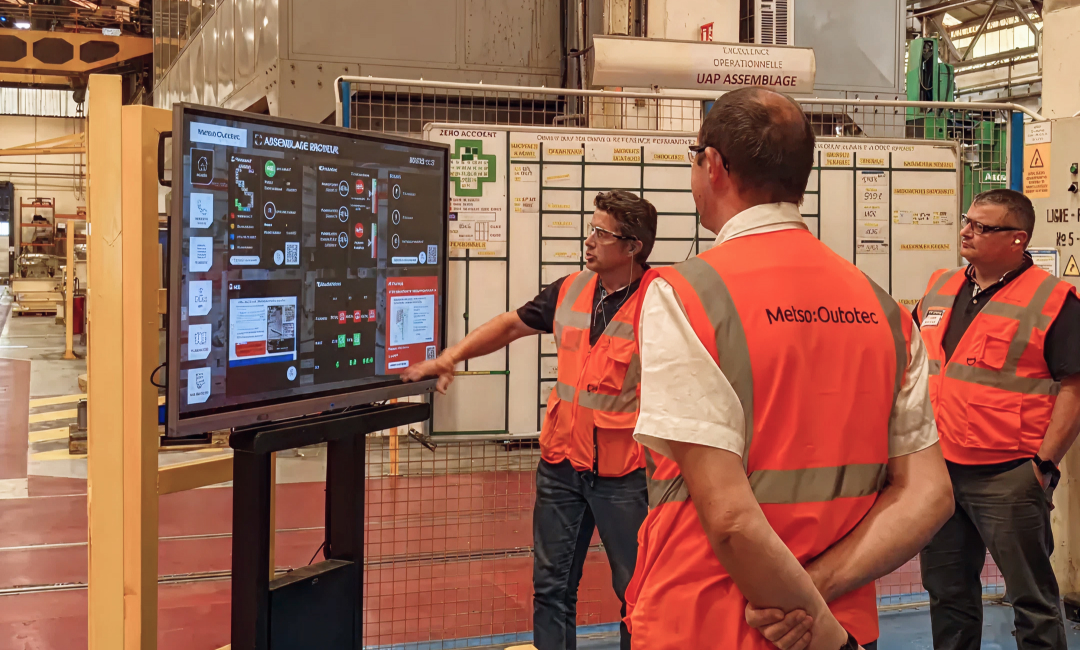
Pingview, our wallboard design solution, is an example of a No Code application, which works on this model because it is possible to build a library of components sufficiently complete to allow our users to independently manage the creation of their interfaces. , and their distribution on their display park.
A Low Code environment makes it possible to modify the source code, and therefore offers more possibilities of expression. More complex applications can be designed there, but with the help of an expert developer, where No Code systems can be directly handled by “business” users (we also speak of citizen developers, as opposed to developers professionals).
Low Code/No Code : Why are they trendy ?
Because there is a shortage of IT skills.
This is not a scoop: the IT professions in general have been under great tension for a long time and still for a while: by 2030, there will be 115,000 new IT engineering positions to be filled in France (+ 26% compared to 2019), and even 190,000 including retirements.
Developer skills are rare… therefore expensive, with increasingly pronounced bottlenecks in application development projects.
And as at the same time, digitalization projects have not really slowed down:
- 61% of IT professionals see an increase in their development costs,
- 57% need more staff to complete projects,
- 44% observe that development times have increased.
In this context, No Code projects provide part of the solution: for those who have experienced it, a similar phenomenon took place some fifteen years ago with the creation of functional blocks of automation in industry. automobile. Allowing expert developers to free themselves from automation programming by delegating it to business teams.
Low Code/No Code is cheaper (and faster)
- 53% less expensive [1]: this is the saving observed on average thanks to Low Code development by IT professionals. A gain achieved thanks to simplified collaboration between teams, but also greater speed of execution:
- 95% of developments are faster with low code,
- more than half (58%) are even 40%, 60% or even 100% faster.
Le Low Code/No Code, c’est moins cher (et plus rapide)
53% moins cher : c’est l’économie observée en moyenne grâce au développement Low Code par les professionnels de l’IT. Un gain réalisé grâce une collaboration simplifiée entre les équipes, mais aussi une plus grande vitesse d’exécution :
- 95% des développements sont plus rapides avec le Low code,
- plus de la moitié (58%) sont même 40%, 60% voire 100% plus rapides
With No Code, companies are touching the “Holy Grail” of digital transformation: agility.
95% of development projects are faster in No Code
53% savings observed on No code developments
With Low Code/No Code, “business” users are in control
If “real” computer scientists do not disdain their use, 2 out of 3 developers of No Code development platforms are end users. With projects very oriented on their “business” issues: data processing and visualization (38% of uses) productivity:
- automated data collection (36%)
- process automation (35%)
- IoT monitoring (34%)
Low code and No Code therefore fill an increasingly glaring lack in organizations: the automation of time-consuming tasks. And the need is huge: only 10% of these processes are fully automated, 30% are not at all.
The factory of the future, a digitized environment thanks to Low Code/No Code
Quels sont les cas d’usages du No Code en milieu industriel ?
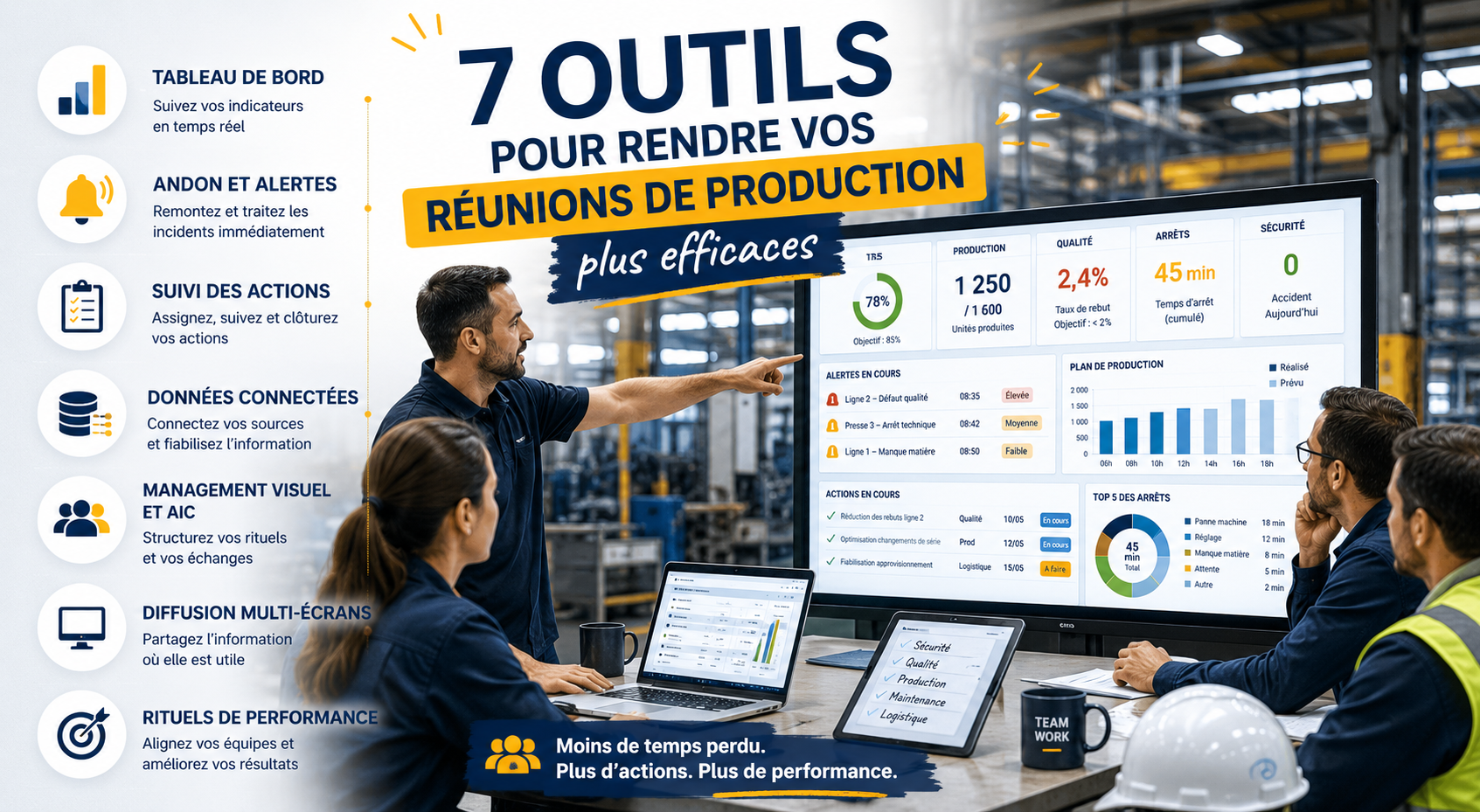
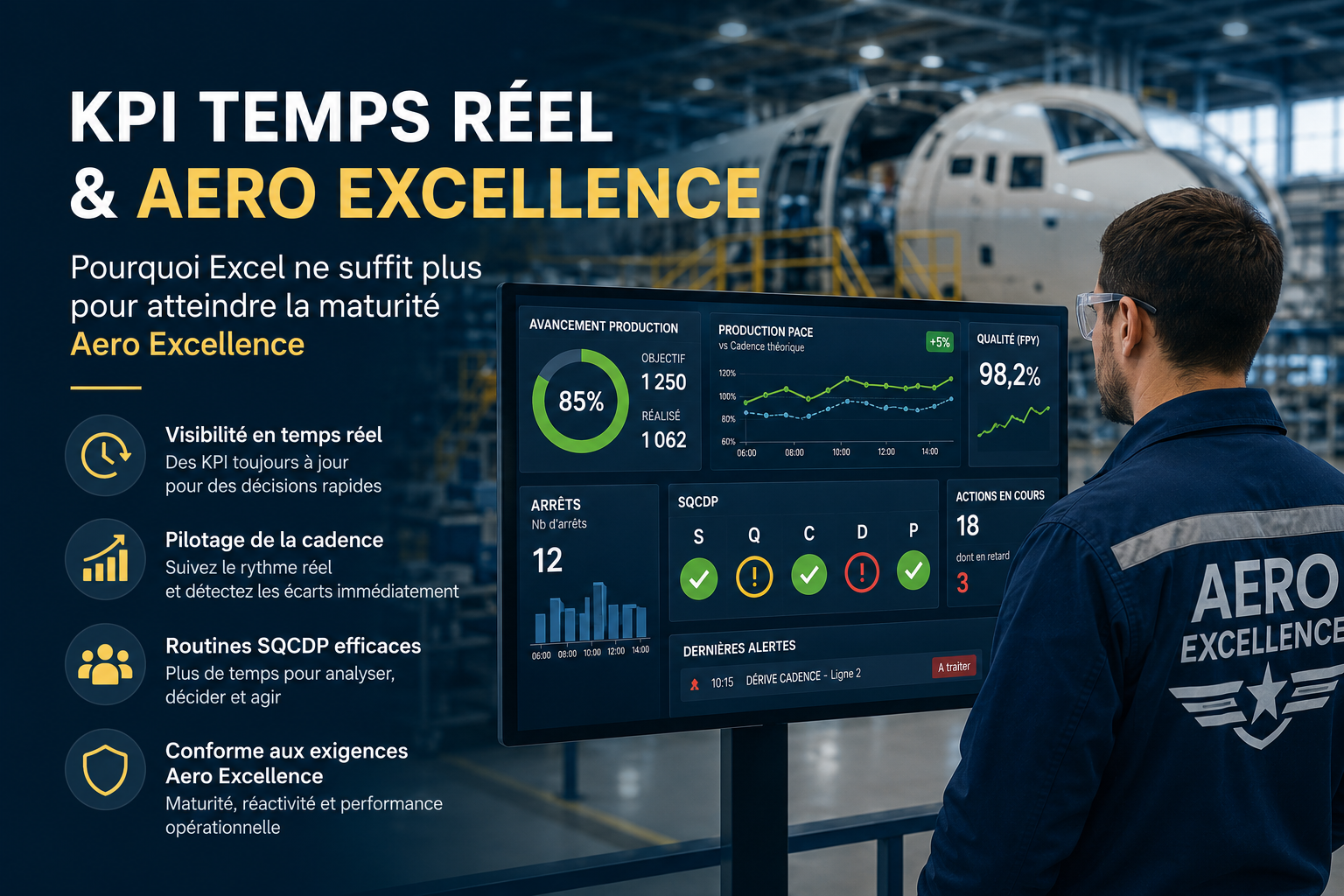
AIC : des supports d’animation à jour en temps réel pour vos rituels quotidiens
What are the use cases of No Code in an industrial environment?
- collect the data needed to build your safety, quality, cost, lead time indicators, etc. directly in the dedicated applications,
- automate their “reprocessing” in a database or spreadsheet to present them in the form of simple KPIs,
- format them in your wallboard interface in the most meaningful graphical rendering (graph, table, color codes, etc.),
- finally broadcast them on your screens: in the meeting spaces, the factory areas concerned, a web page that can be consulted on a computer from the offices, etc.
In this context, the choice of a No (or Low) Code solution allows:
- set up data collection and reprocessing once and for all: the KPIs for the daily update are therefore constantly up-to-date and no longer have to be prepared in advance,
- to challenge and review your animation screens (add an Environment “section” to your SQCDP screens, review the presentation of a production KPI, etc.) as often as desired, without external intervention.
OKR : shared challenges platform
Always with a view to leading and aligning the teams, but with a longer term vision, the OKR (Objective and Key Results) aim to give the “the” of the axes of progress of the company (or the business unit):
- through very “macro” objectives (for example: “reduce our average delivery time by X%”),
- which are often supplemented by more specific KPIs at the business level: in our example, KPIs for sales administration (Z% of orders launched in production within 48 hours), logistics (reducing by Y% the average presence of the batches on the shipping docks), production (target average production cycle: H hours).
Thanks to a No Code wallboard design solution, you will be able to very simply:
- create screens summarizing your OKRs and distribute them across all your teams
- add to them screens of business KPIs updated in real time to allow everyone to visualize the progress of their team towards the achievement of objectives.
Incident management and problem solving: digitize to gain speed
In an industrial environment, responsiveness is key. This responsiveness involves:
- the implementation of processes to follow in the event of a production incident (call to a supervisor, “escalation” to the manager, intervention of security teams, etc.), a well-oiled
- communication: messages that reach the right people, operators who are assured that their alert has been transmitted, then taken into account, and processed.
Here again, a No Code alerting system has many advantages for production teams looking to design and maintain an incident management application:
- they keep control of updating the components of the alert system (contact details of people to contact, updating of escalation processes, etc.)
- they can interface the information system that “steers” production, incident reporting devices, machine sensors, etc. beyond the factory stricto sensu,
- they can organize the escalation of crisis information to the “ancillary” departments: alerting the sales administration, logistics, management, etc. …
- and beyond incident management, enable the implementation of a digital problem-solving process (with, for example, action plans and views kanban)
The solution with Pingview and Table is clearly a digitalization accelerator to quickly respond to various needs of industrial sites. With existing solutions like Excel, we would not have been able to respond so quickly to requests from entities that were urgent. In addition, it avoids all the data processing problems that we had with Excel and the training times to be planned. The strong points: the speed of implementation of needs, the structuring of the data (freezing the data, with the same format and the right categories), for easy aggregation and exploitation, particularly with international teams, rapid user adoption without the need for training or technical skills. Once the business need is clear, the solution is very intuitive to create the base and therefore the project in the solution. Importing Excel or a file also allows for a faster start to avoid re-entering information. A 5 to 10 minute explanation is then enough to make users autonomous in visualization and administration. It’s ultra fast!
Cathy Tondu Digital product manager
The advantage of the Table solution is that it is extremely accessible, without the need for IT or database knowledge. It is intuitive, modular and very quick to implement. We can easily recreate a table, forms, etc., with the possibility of creating as many forms as we want. For users (operators / field team on site), the QR code from the wallboard is extremely practical for displaying a form and facilitating entry, particularly for gemba walks. We now have other use cases in mind (OK start, quality control with photos, etc.).
François Huyge Production Manager, Billy Berclau site
No code : yes… no rules: no !
Low Code/No Code: indisputable advantages
Here again, a No Code alerting system has many advantages for production teams looking to design and maintain an incident management application:
- they keep control of updating the components of the alert system (contact details of people to contact, updating of escalation processes, etc.)
- they can interface the information system that “steers” production, incident reporting devices, machine sensors, etc. beyond the factory stricto sensu,
- they can organize the escalation of crisis information to the “ancillary” departments: alerting the sales administration, logistics, management, etc. …
- and beyond incident management, enable the implementation of a digital problem-solving process (with, for example, action plans and views kanban)
… but risks to be measured
Downside:
- entrusting the development to non-professionals can present risks (in terms of data security, or if the application “touches” critical applications),
- designing your applications in a No Code environment in the Cloud or in SaaS means carefully examining the contractual provisions on data security, exit conditions, etc.
Completely freeing oneself from IT “experts” is therefore not always the best solution. At Pingflow, we consider that to allow you to have a flexible and powerful No Code tool, you must:
- ask your CIO to supervise: the use and rights of use of your No Code platform, the clauses of the contract with your solution provider, etc.
- require real support from your Low Code/No Code platform: functional, training,, UX/UI design…
In any case, this is what we offer to all our customers.
Sources :
The State of Low Code 2021, Mendix
The State of Low-Code/No-Code, 2021, Creatio
READ ALSO > No-Code Platforms & Why You Need Them in 2023 de Baserow