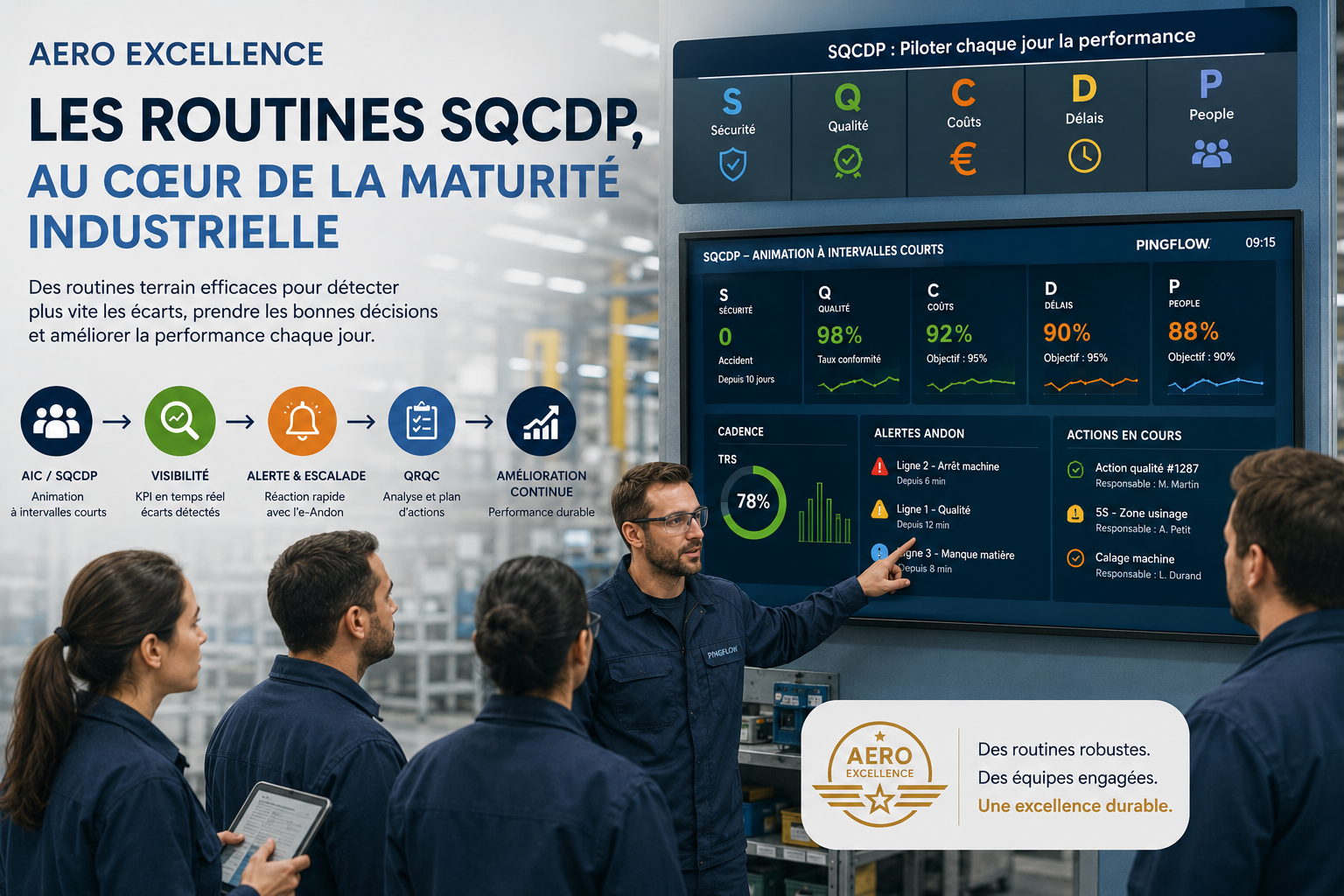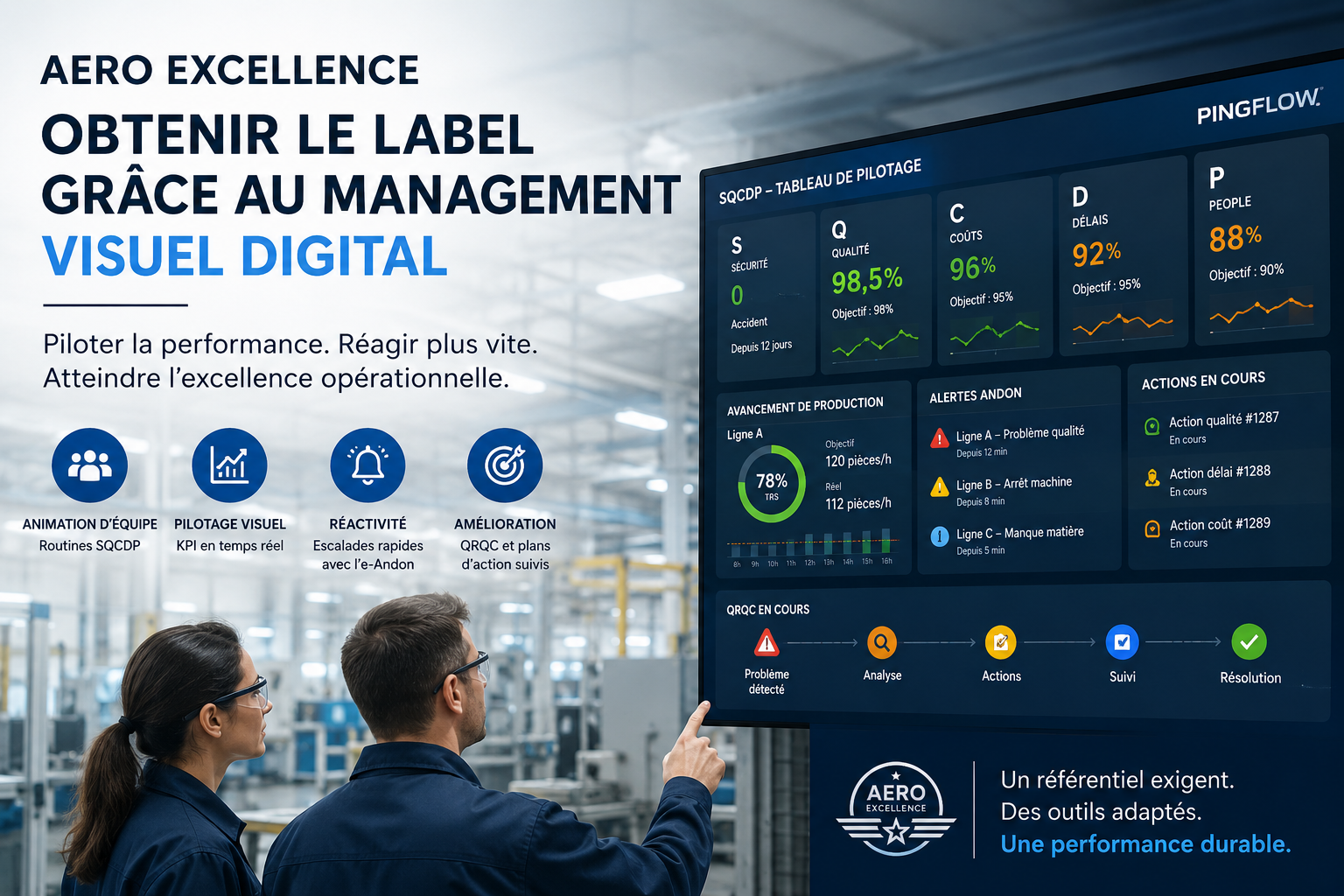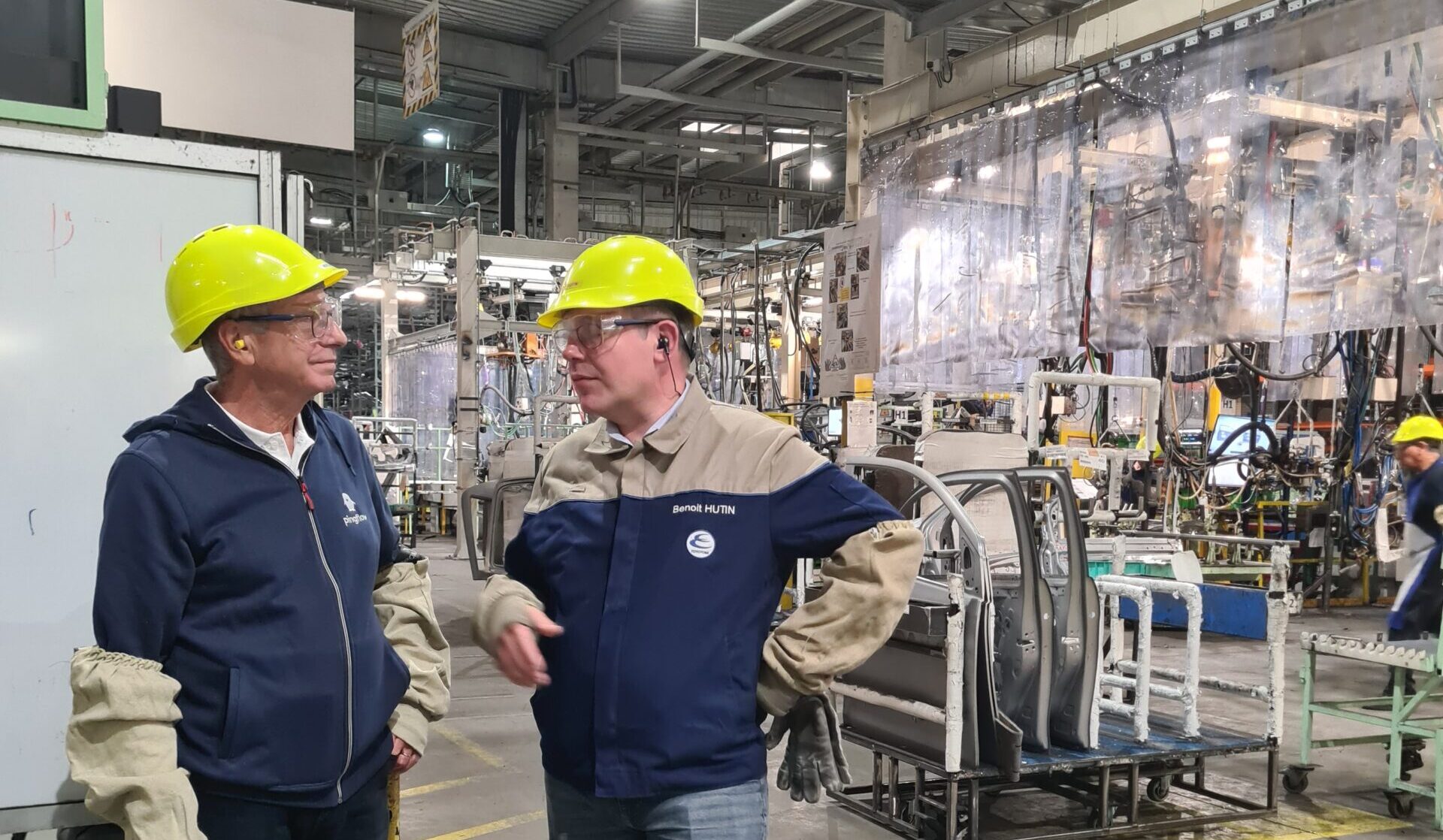
For a company or team that is wondering about the implementation of lean management methods and its multiple derivatives (lean IT and scrum methodology, lean manufacturing, lean office for the tertiary sector…), a project quickly proves to be a priority: the implementation of visual management.
In fact, without providing clear information and indicators, the autonomy of involved teams in a lean approach will remain a dead letter. And if this information is not updated in real time, or not accessible to the entire team, it’s the agility needed for lean that takes a hit.
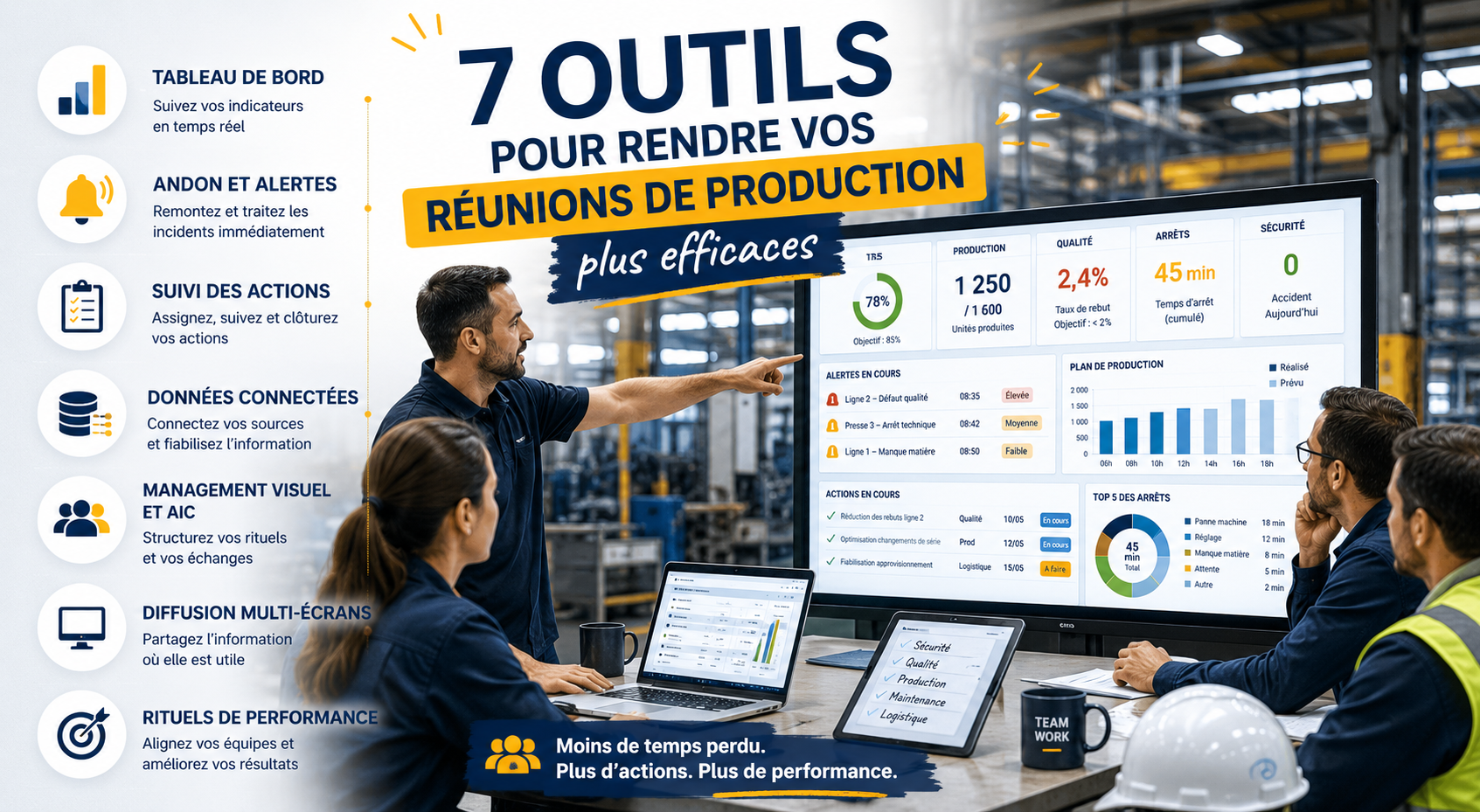
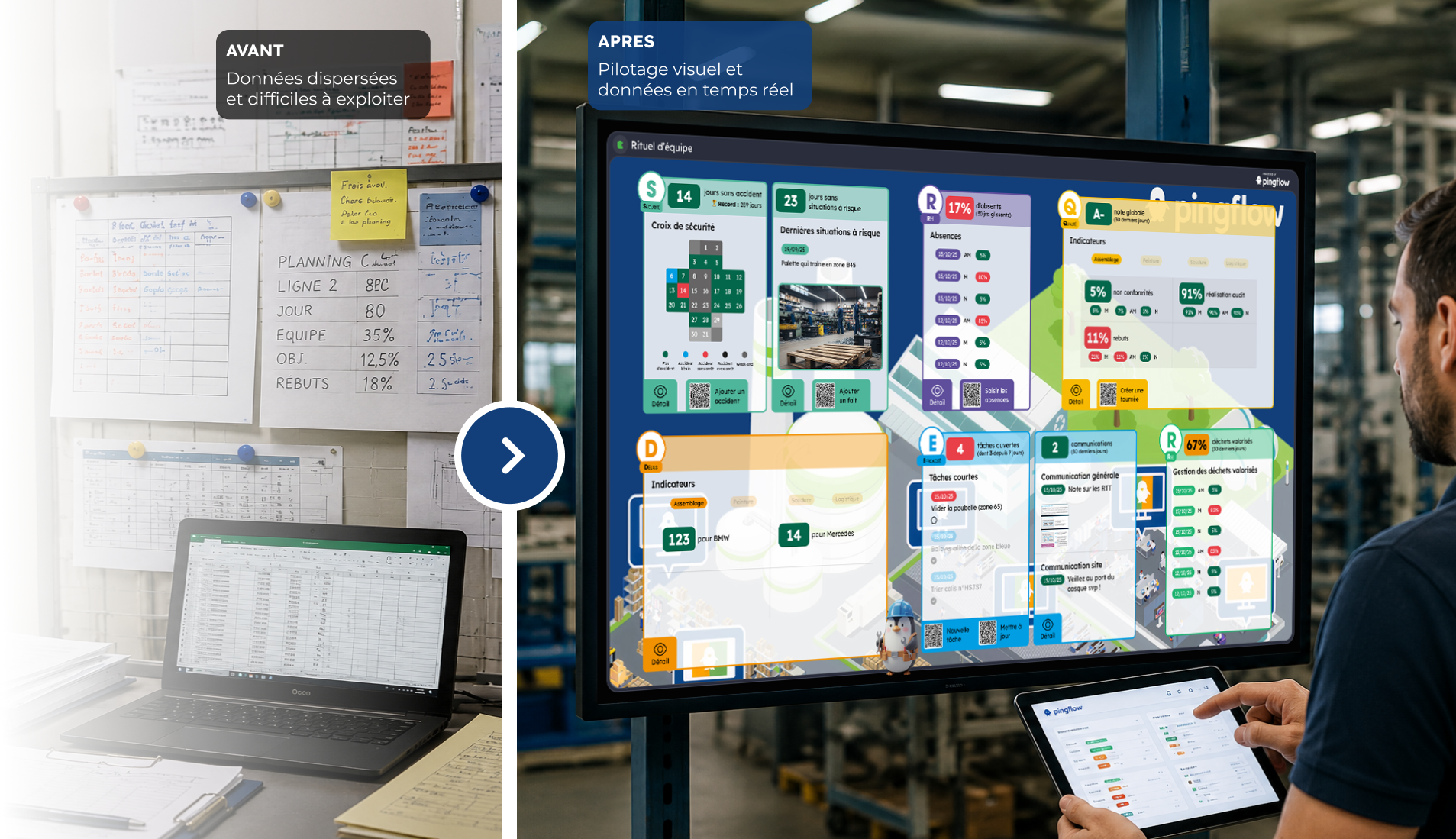
In other words, not only is visual management the cornerstone of any lean project, but this visual management gains enormously in digitizing itself: digital allows you to collect and reconcile often heterogeneous and scattered data, to automate their updating, and display them on the most suitable media (such as our wallboards). It remains to be seen how to implement this digital visual management.
In advance: test visual management via a POC
You don’t revolutionize your team’s management methods and supports with a magic wand. On a subject where the human factor is by definition primordial, and where benefits and impacts are difficult to anticipate, it is better to move forward in “project” mode. Then get things back on track, keep what works and get rid of false good ideas.
This is precisely what a POC (Proof of Concept) allows. Flexible and limited in time, a POC is indeed intended to test “in vivo” an idea on a small scope. Then learn from it before generalizing the experience, reviewing it… or abandoning it without damage.
In the context of a visual management project, clearly defining your POC will require choices on:
- its objectives: what information, process, parts of the team’s work will be sought to make them flow better
- its expected results: how to measure POC’s success (or failure)
- its timing: in general, 3 to 4 months will be enough to learn lessons
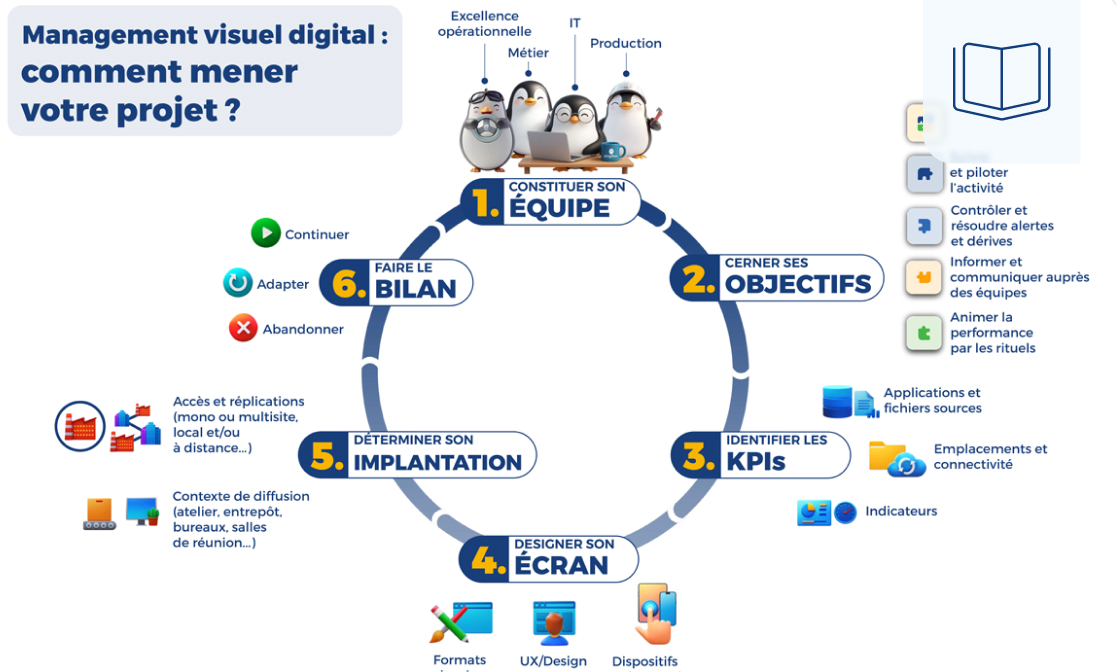
For more information, we invite you to read our article about the digital POC. What’s next? It will take place in 6 steps.
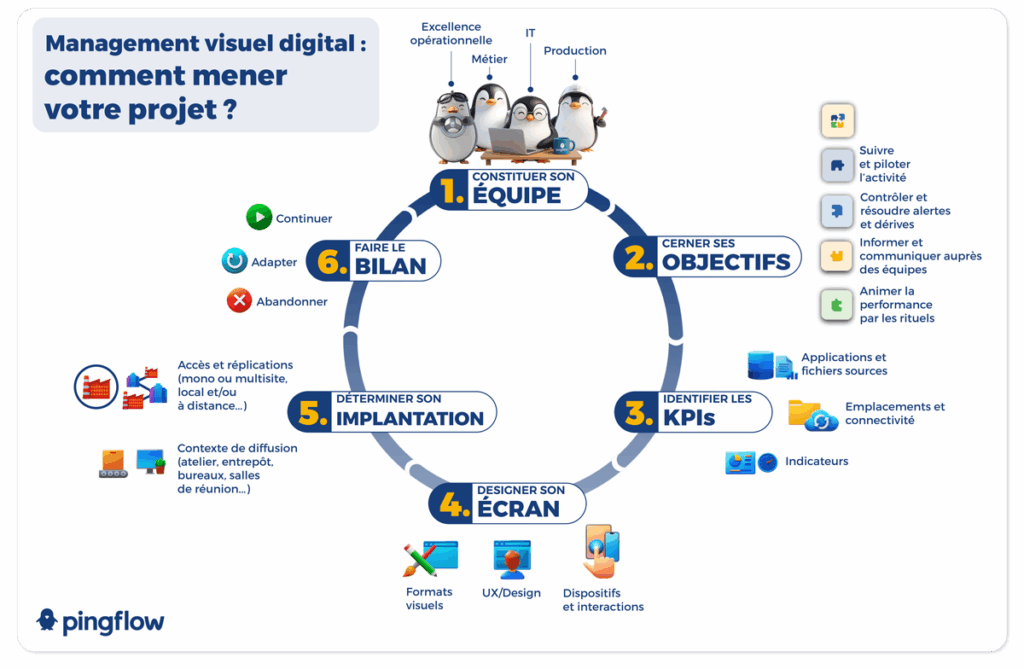
Step 1 : build your team
This is a crucial but delicate step. By nature, a lean approach involves breaking silos between services, thus integrating as many stakeholders as possible. On the other hand, a multiplicity of viewpoints will allow you to ensure the relevance of visual management that will emerge from your POC.
But the temptation to include as many interlocutors as possible will be a hindrance to the successful progress of the project. Building a small but representative “task force” of people involved in the project is therefore the key. At a minimum, we can consider that your team will have to include:
- a project leader
- a representative of the business line directly concerned
- a representative of IT
- an internal communication professional
Nothing prevents the organization of intermediate points with a slightly wider public, to collect their feedback. Finally, having a “sponsor” on the management committee or executive committee will also be a plus when it comes to deploying visual management on a larger scale…
Step 2 : identify the challenges of your visual management
C’est avec cette équipe projet, et de façon collaborative, que vous allez ensuite affiner vos objectifs. Que cherchez-vous à It’s with this project team, and collaboratively, that you will then refine your objectives. What are you trying to achieve with visual management?
- Display the right information to employees?
- Push the KPIs analysis further and trigger activity alerts?
- Manage processes and workflow to achieve operational excellence?
Simply informative or completely interactive: there are indeed different degrees in visual management. It is up to you and your employees to determine how far your ambitions go – under the POC and beyond.
This second step is even more structuring than the first one. Because depending on the objectives pursued, the type of data and the form in which they are presented will vary considerably. In the same industrial context, a warning system such as Andon or process control such as Kamishibai represent completely different approaches. And there are many other possibilities…
Step 3 : identify your KPIs (and sort them!)
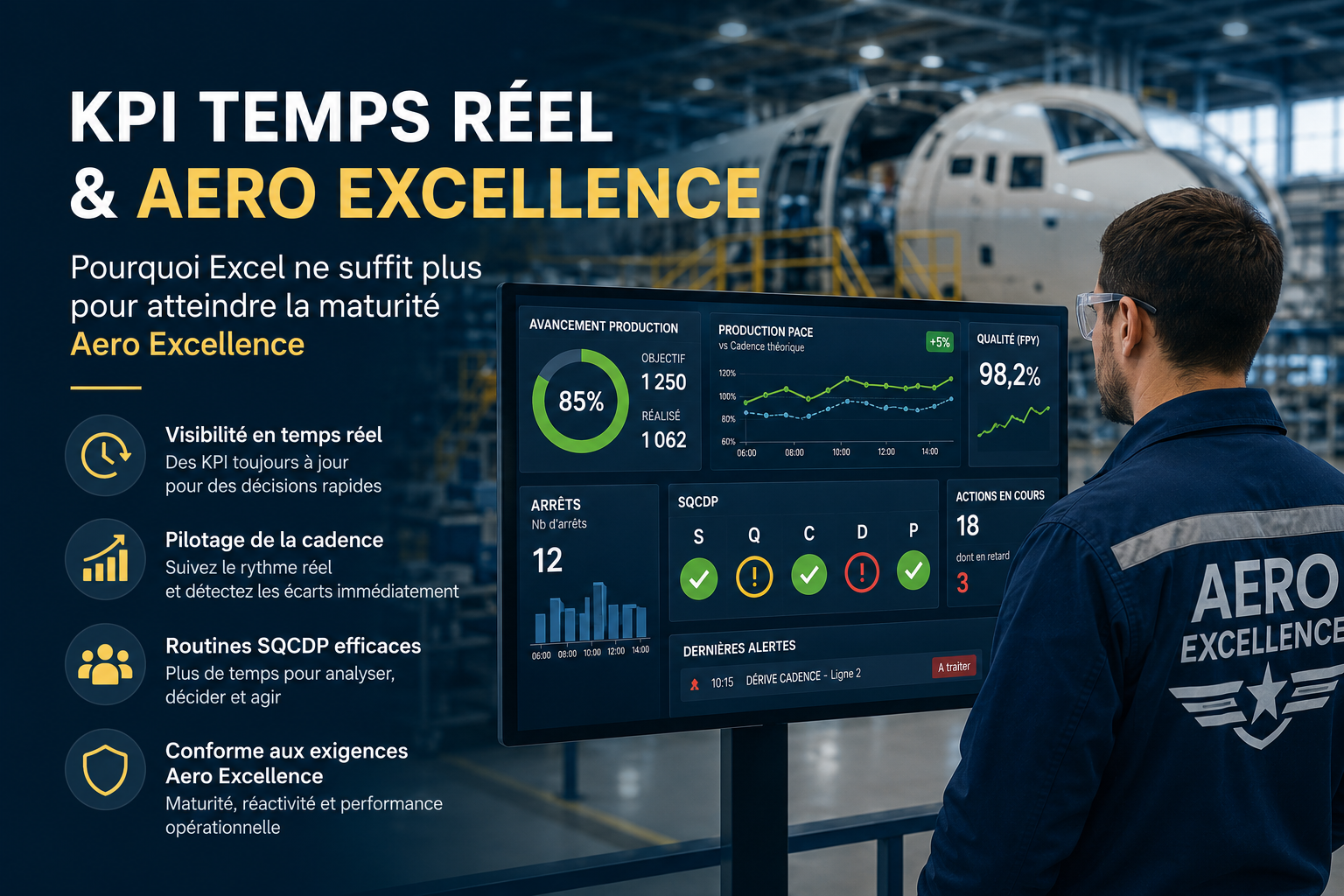
This is of course the key moment of your POC: without data, no key performance indicator (KPI), and therefore no visual management. The first step will therefore be to determine which indicators are essential, interesting and optional for the future of the project. Depending on targeted audience, monitored activity, and frequency of data updates, you will already have a good idea of this first sort.
Because that’s what sort is all about: beyond 5 indicators per screen, the screen will become unreadable. Even if digital technology makes it possible to design deeper visual management systems (with second screens, zooms, links, etc), simplicity is always the best policy.
Next operations? Define at the same time:
- files, databases and other applications where the data necessary for the construction of your indicators is stocked
- the available flows, or the connections you will need to establish to get them back: API, Web-services…
Scope is extremely broad (the presence of a member of IT team in your POC takes on its full meaning…): the needs of our clients range from office equipment (Office, Google site) to project management applications (Trello, Slack) and ERP (SAP), via helpdesks or database managers software (Mysql, Oracle).
If you want to know more about the choice of KPIs, and the organization of visual management, take a look at our video of Caisse d’Epargne Hauts-de-France’s return of experience:
Step 4 : design your visual management screen
Qui dit management visuel dit mise en forme. Et qui dit digital dit forcément écran. Le design de l’écran qui va constituer le Visual management means shaping. And digital necessarily means screen. Design of the screen that will constitute the “media” of your management plays a crucial role in the success of your POC. And it is especially at this time that inviting a “Mr. (or Mrs) Communication” into your working group will prove very useful.
Objectives of this step during which it will be to make your visual management system as attractive as it is effective:
- Avoid over-information
- Provide visual information animation conditions
- Think about ergonomics and interactions if you choose a touch screen for example
From the choice of visual formats (histograms or pie charts, simple numbers or even traffic lights) to the choice of font, action buttons, colors… It’s a real designer job waiting for you on this step. Work that you must carry out with the desired type of screen in mind: touch-sensitive or not? Arranged in portrait, landscape or swiveling?
Step 5 : choose the right display points
Misplaced, the most beautiful screen in the world won’t do you much good… Beyond its design and the information it provides, the choice of its location will be truly strategic.
How to choose it right? First, based on the targeted audience: its places of passage, work, break… Is it a single-site team or scattered? Then according to the rhythm of the activity you want to “monitor” thanks to visual management: is one screen enough? Some? Much more than that?
In some cases, a single screen in a “control room” type Obeya will amply be enough. In others, it will be necessary to invest several common areas or office floors, etc. A final point to take into account: the size of the screen(s) chosen, so that it is both visible and can be easily used by your teams.
Step 6 : take stock… and iterate to generalize visual management
Has your POC come to an end? This is just the beginning… After a few weeks of use, it will be time to take stock of this project. And this in several dimensions:
- What works (and works less well) in the visual management set up: what information is missing, is too much, is poorly presented…
- What worked (or didn’t) during the project. At what steps can we save time or did we go too fast? What skills did you lack in your task force?
- What is generalizable (or not). Can this POC serve as a basis for another project in the company, or even in your department? What have you learned What needs to be improved, kept, abandoned… ?